Execution Intelligence, in a few minutes

See how work actually executes.

Short films that show what dashboards leave out: the waiting, the rework and the handoffs inside a process. See ViVE Optim follow one finding to a fix, what changes when AI agents join the work, and how a bank traces where a business client waits. Pick one and press play.

Execution Intelligence

What organizations don’t see

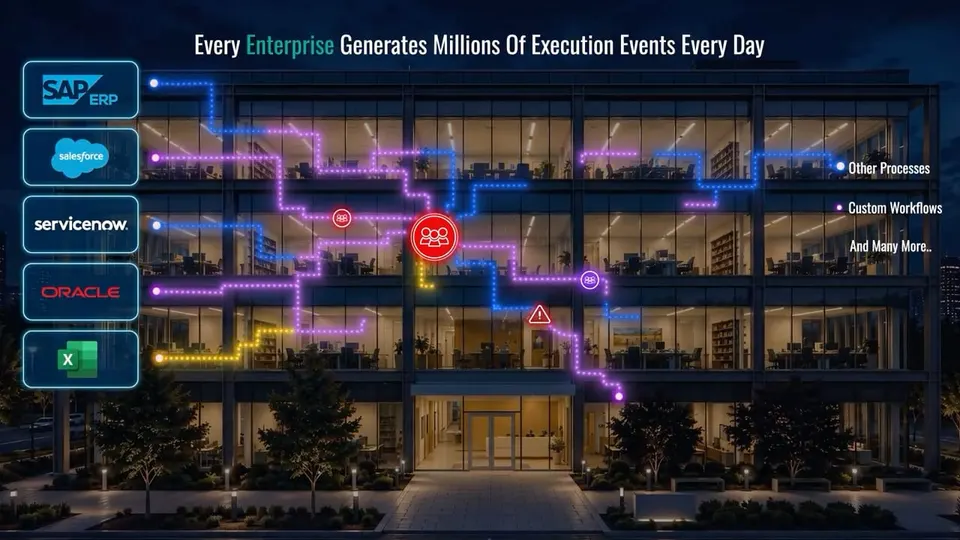
Every enterprise generates millions of execution events a day across its systems. Dashboards turn them into business views, but the views never show how the work actually ran: the waiting, the rework, the handoffs and the exceptions. A visual story of that hidden behaviour, and the context RE-ViVE reveals.
ViVE Optim · Product tour

From what went wrong to what to fix

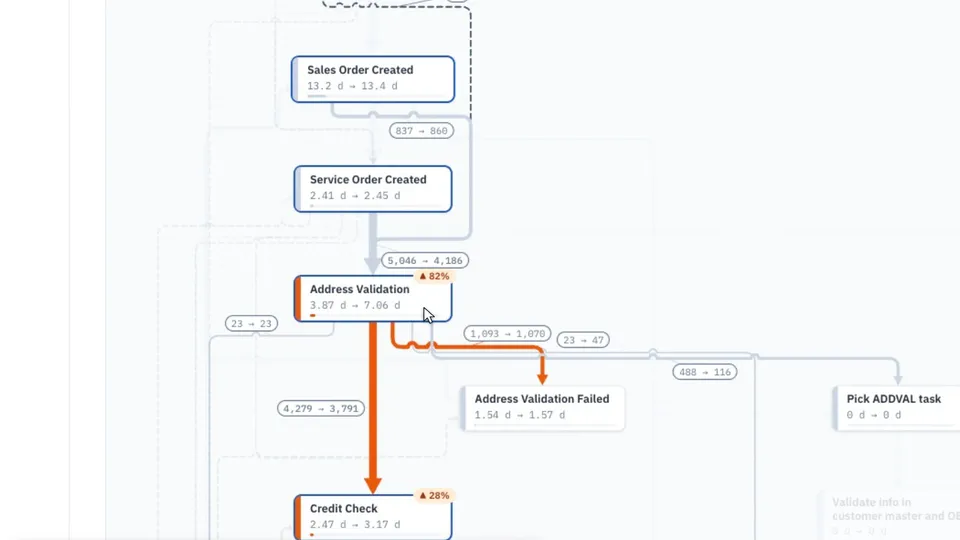
A tour of ViVE Optim on one example process, Order to Activate. One finding, more than 4,000 orders that fail address validation and start again, is followed from the Overview through the Process Map, Events and Compare to a What-If estimate. ViVE Genie then answers questions from the same data.

ViVE AI Ops · Episode 1

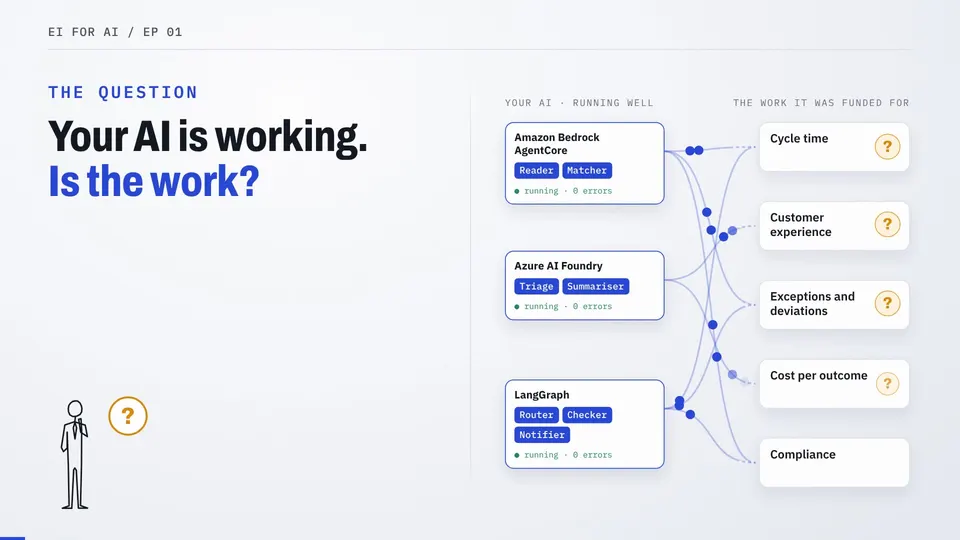
Faster AI does not always mean faster work.

One workflow, one invoice, three agents and a person. The story shows what agent dashboards can’t see, and what changes when you can. Illustrative scenario.

Banking

Three short films on business onboarding at a bank: one client’s story, the product walkthrough, and how to start with one journey.

Banking · Customer story

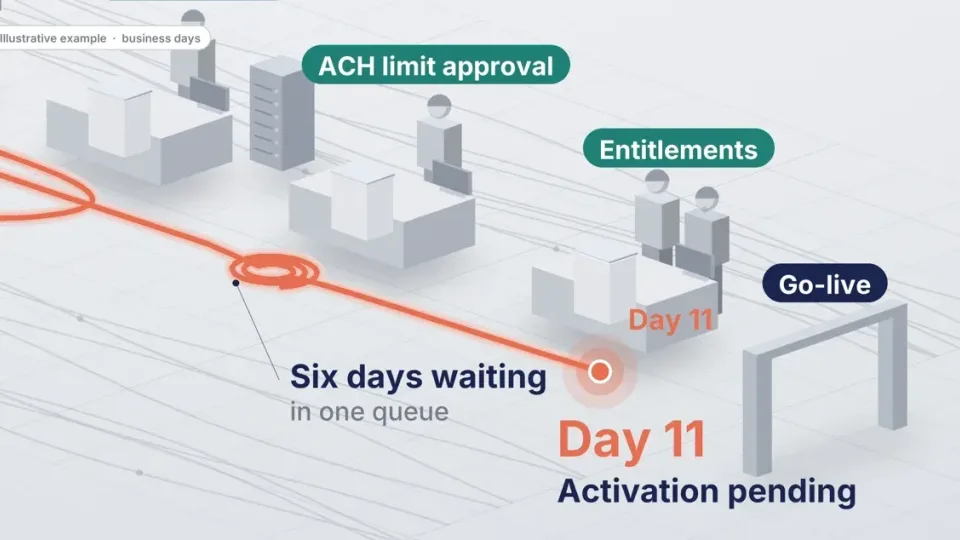
The client waited

Follow one business onboarding request, a logistics company setting up treasury services, across KYC, treasury operations and core banking. Every team’s tasks show complete, yet on business day eleven the client still cannot use its services. Where the time went, and what RE-ViVE reconstructs from the records the bank already keeps. Illustrative customer story.

Banking · Product walkthrough

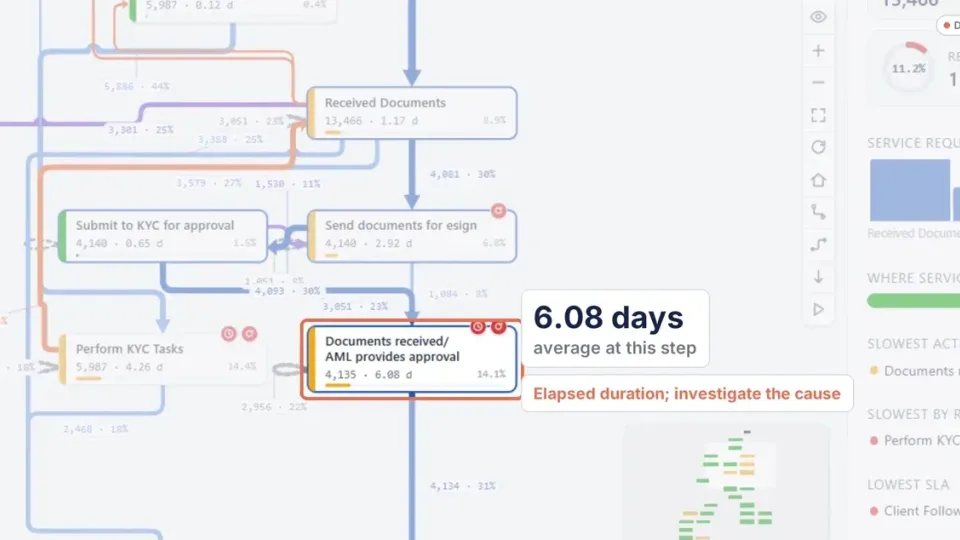
Where the client waited

Business Account Setup, one service workflow within business onboarding: thirteen thousand requests and seventy-five different paths. The walkthrough drills from the Overview to the process map, opens Influencers on a slow step, compares two segments side by side, and ends on one request and its recorded events. Product walkthrough on demo data.

Banking · Getting started

Start with one journey

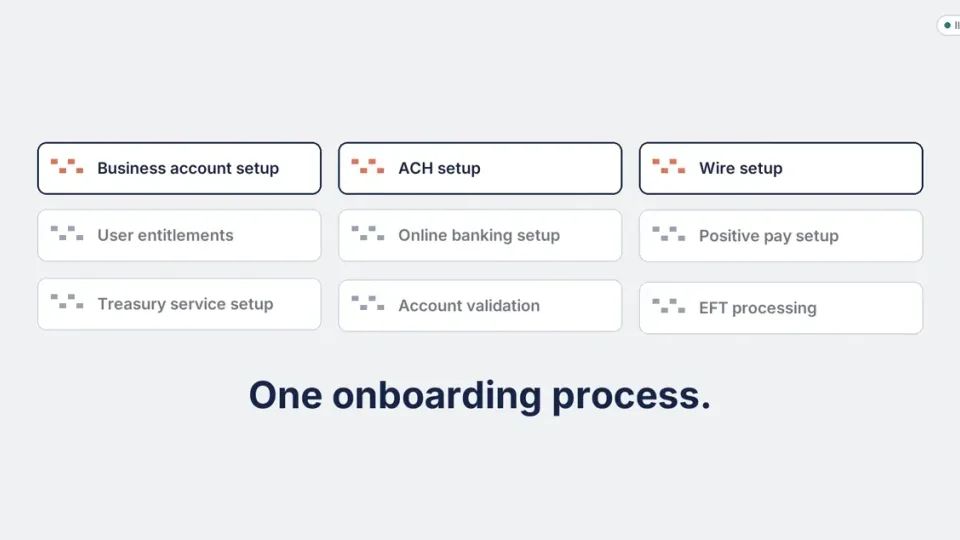
How a bank starts: one customer journey, read-only access to the records it already keeps, and an initial view in about ten business days once sources and setup are ready. Then the next service workflow, ACH, wires and entitlements, builds on what is already connected. Illustrative examples and demo data.

Next

Bring one workflow. See it the same way.

A walkthrough on your own process takes about an hour and starts from the records you already keep.

Execution Intelligence

What organizations don’t see

A visual story of hidden execution behavior and the context RE-ViVE reveals.

ViVE Optim · Product tour

From what went wrong to what to fix

ViVE Optim on one example process: a single finding followed from the Overview to a What-If estimate, then questions to ViVE Genie on the same data.

ViVE AI Ops · Episode 1

Faster AI does not always mean faster work.

One workflow, one invoice, three agents and a person. The story shows what agent dashboards can't see, and what changes when you can. Illustrative scenario.

Banking · Customer story

The client waited

One business onboarding request across KYC, treasury operations and core banking, and where its time went. Illustrative customer story.

Banking · Product walkthrough

Where the client waited

Business Account Setup traced from the Overview to a single request and its events. Product walkthrough on demo data.

Banking · Getting started

Start with one journey

One journey first, from the records the bank already keeps, then the next service workflow. Illustrative examples and demo data.

SEE RE-ViVE IN ACTION

See how your processes actually run.

Schedule a focused conversation with our team and see how RE-ViVE turns execution data into clear opportunities to reduce delays, rework and process variation.

✓
Explore your use case Discuss the process challenges and outcomes that matter most to your team.
✓
See real execution Understand how RE-ViVE reconstructs the way work actually flows across systems.
✓
Identify opportunities Explore delays, rework, variation and other opportunities for process improvement.
30-minute Microsoft Teams session
BOOK YOUR SESSION

Request a demo

Choose a preferred date and time and we'll schedule your Microsoft Teams meeting.

Your browser/system time zone is selected automatically. Choose another common time zone if needed. Demo hours are Monday to Friday, 8:00 AM – 8:00 PM Eastern Time.

Your details are used only to arrange and follow up on your RE-ViVE demo.